
Show me your model
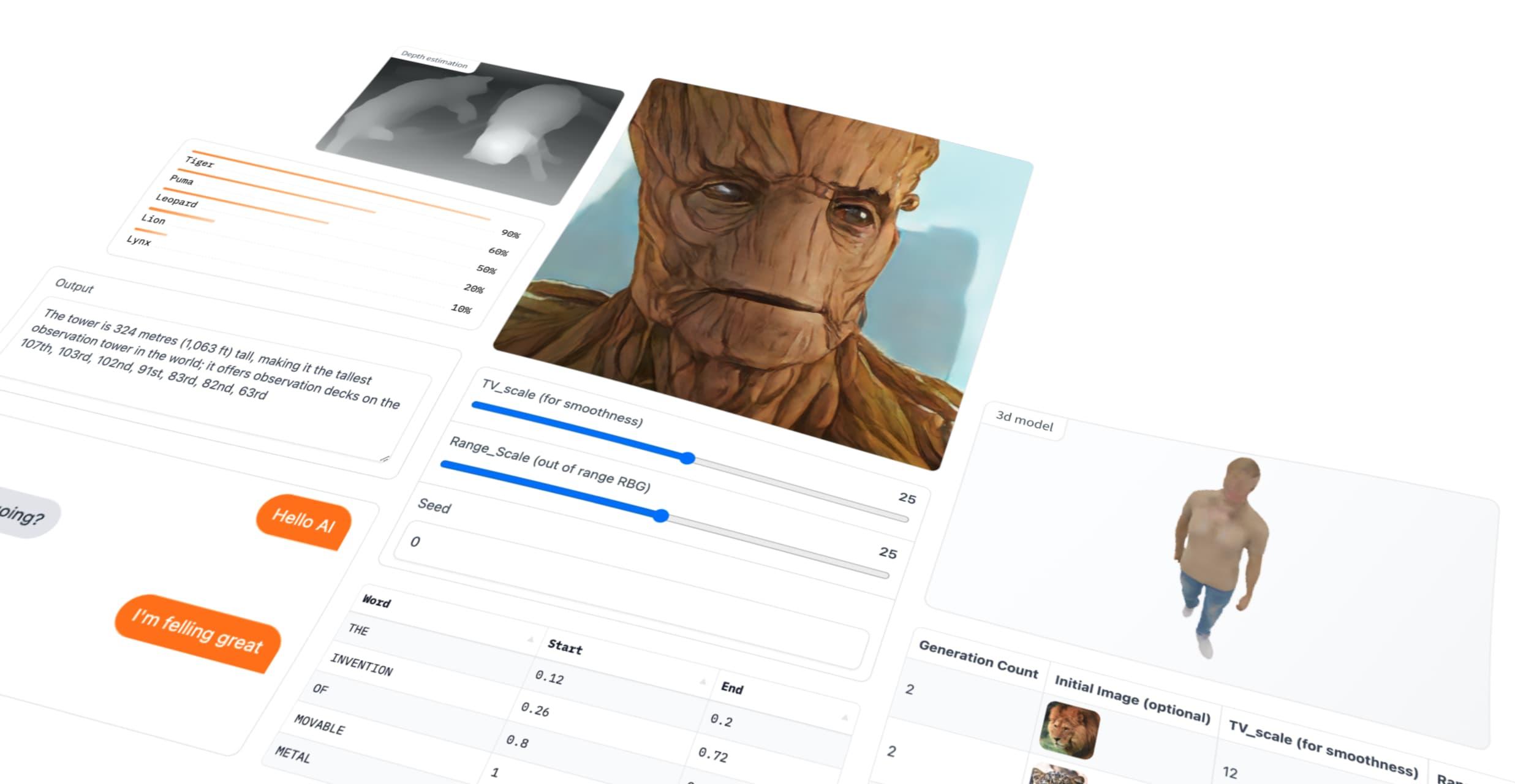
Discover Your Model: We'll make our models easily accessible via URLs or through intuitive web interfaces such as Gradio or Streamlit.
I'm a huge fan of the Python ecosystem. This language is also currently my primary choice.
I really like Django, Flask, FastAPI, but some time ago I was looking for something that would allow me to test an idea and deliver an MVP very quickly.
That's when I came across Streamlit, and after months of using it, I thought I could finally write something about it.
I also mention Gradio, which nicely complements the alternatives within the ecosystem.
Personally, I use Streamlit.
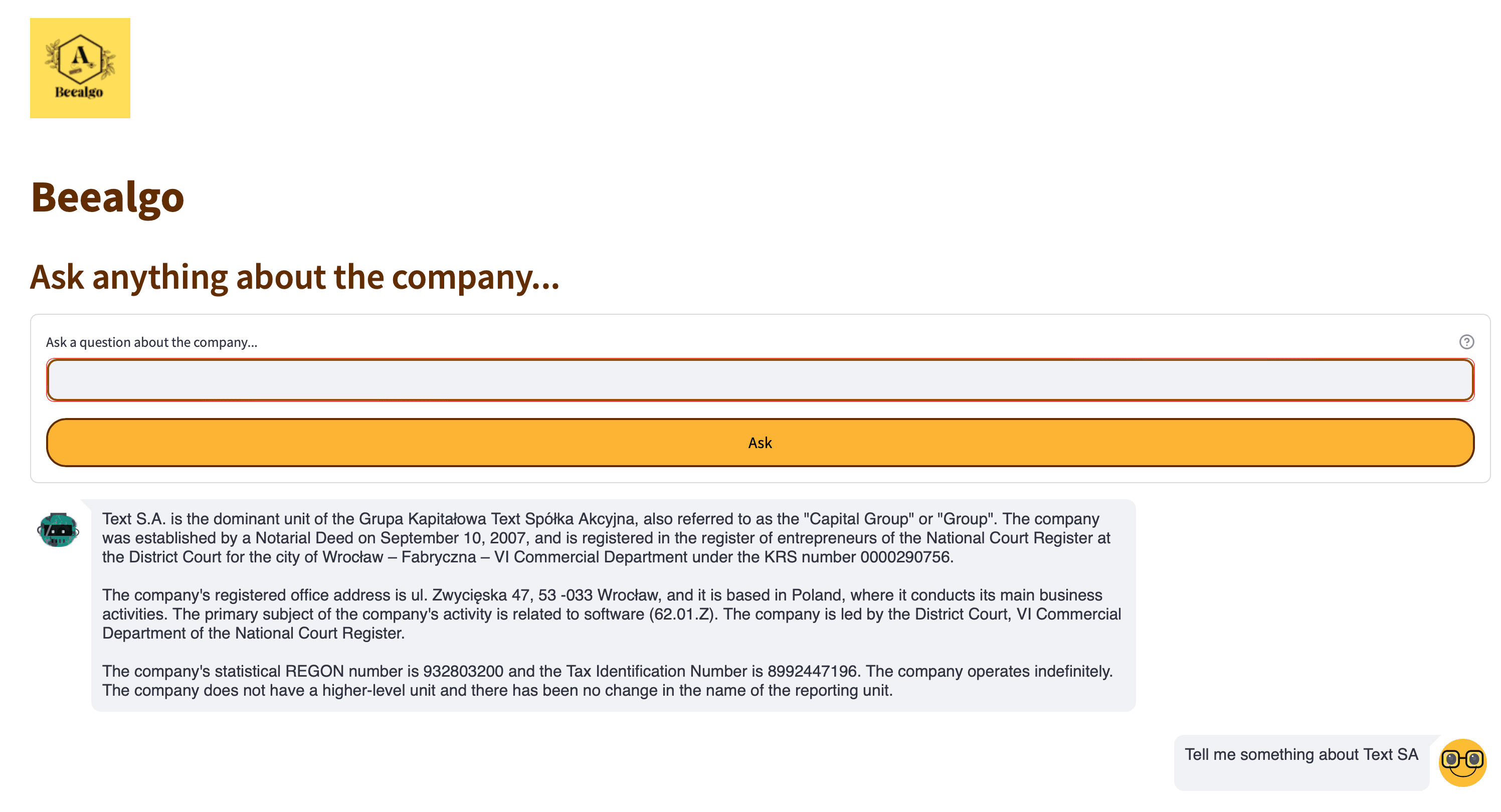
Below, I present an example of its use in building a ChatBot that analyzes financial statements.
import streamlit as st
from streamlit_chat import message

st.set_page_config(page_title="Beealgo", page_icon=":robot_face:", layout="wide")
st.image('images/logo.png', width=100)

# App logic goes here

# Custom CSS to inject into the Streamlit page
st.markdown("""
<style>
/* Text colors */
.stTextInput>div>div>input, .stTextArea>div>div>textarea {
    color: #200C05;
    border-radius: 10px;
    border: 2px solid #944D04;
}
/* Other elements you wish to customize */
</style>
""")

st.title("Beealgo", anchor=None)
st.header("Ask anything about the company...", anchor=None)

# Rest of code to handle chat history, and user input
As you can see, it takes very little code to create something like this - FULLY INTERACTIVE:
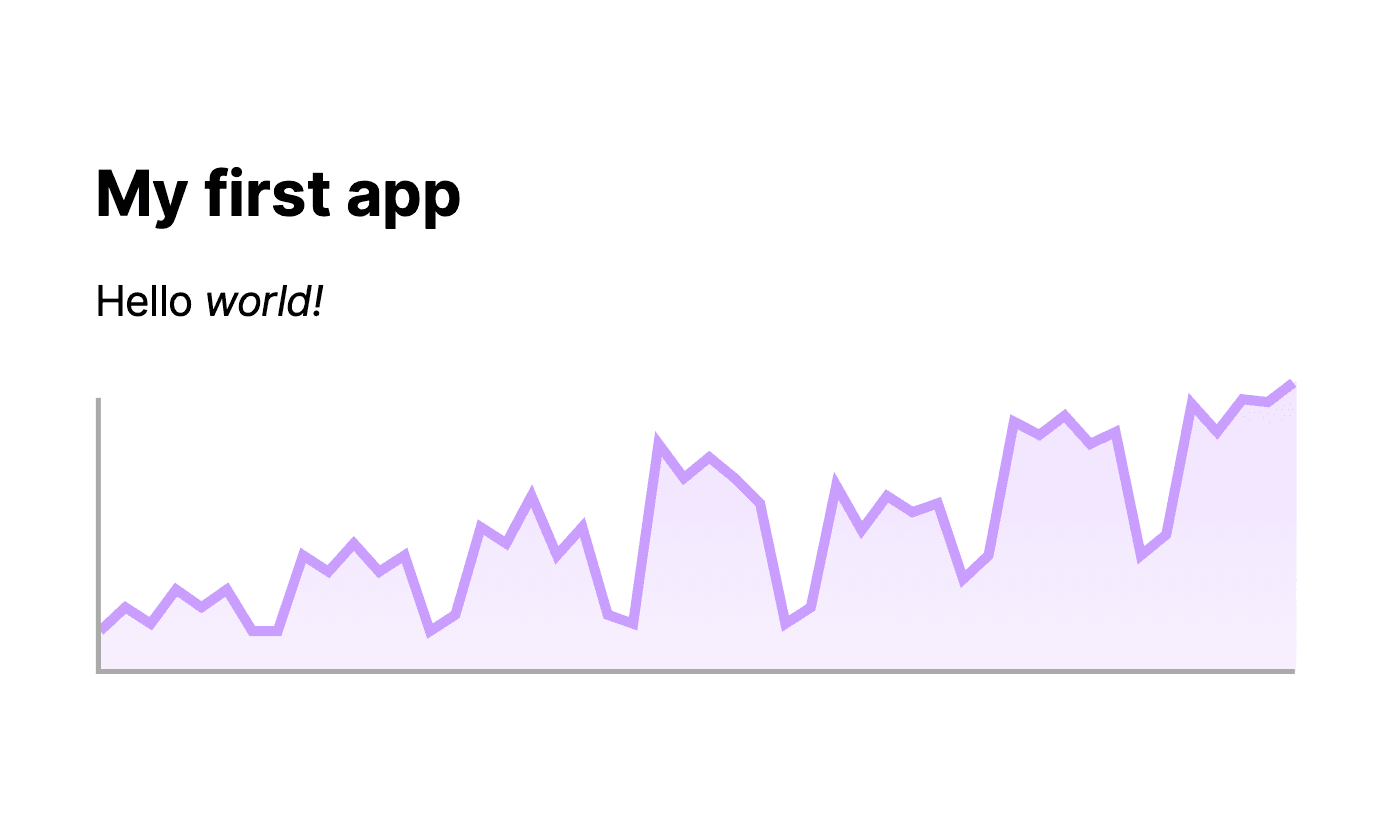
In addition to chat management, data stored in a data frame, for example, can be visualized in a very simple way. Here's an example:
import streamlit as st
import pandas as pd

st.write("""
# My first app
Hello *world!*
""")

df = pd.read_csv("my_data.csv")
st.line_chart(df)
Result:
To run it, all you need to do is enter in the terminal:
streamlit run main.py
Both of these frameworks are available at the following addresses:
I've described Streamlit here, but Gradio works similarly. These tools are used by top companies around the world.
Have fun,
Łukasz.
// Header photo source https://www.gradio.app